How to Dub a Video in Demodokos Foundry
AI-generated audio with Demodokos.
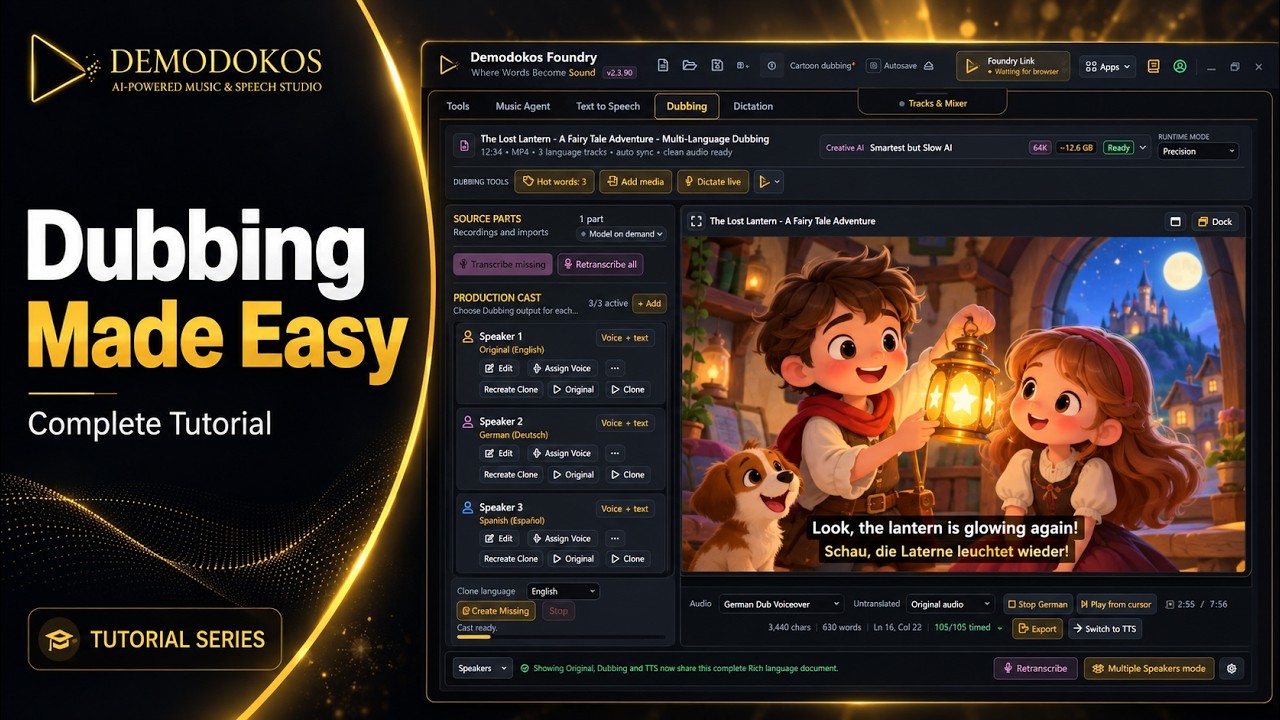
Learn how to dub a video in Demodokos Foundry, from importing video or audio to exporting a translated version with subtitles. Choose a target language, set hot words for names and special terms, translate the dialogue, and match the voices and timing. The tutorial also covers speaking styles, pronunciation rules, pausing for review, and correcting individual voices, lines, and timings before exporting again.